Effortlessly extend your images beyond their original frame with our advanced AI Image Expander API. The system intelligently creates new content around your existing image, blending seamlessly with the original while keeping colors, lighting, and textures natural.
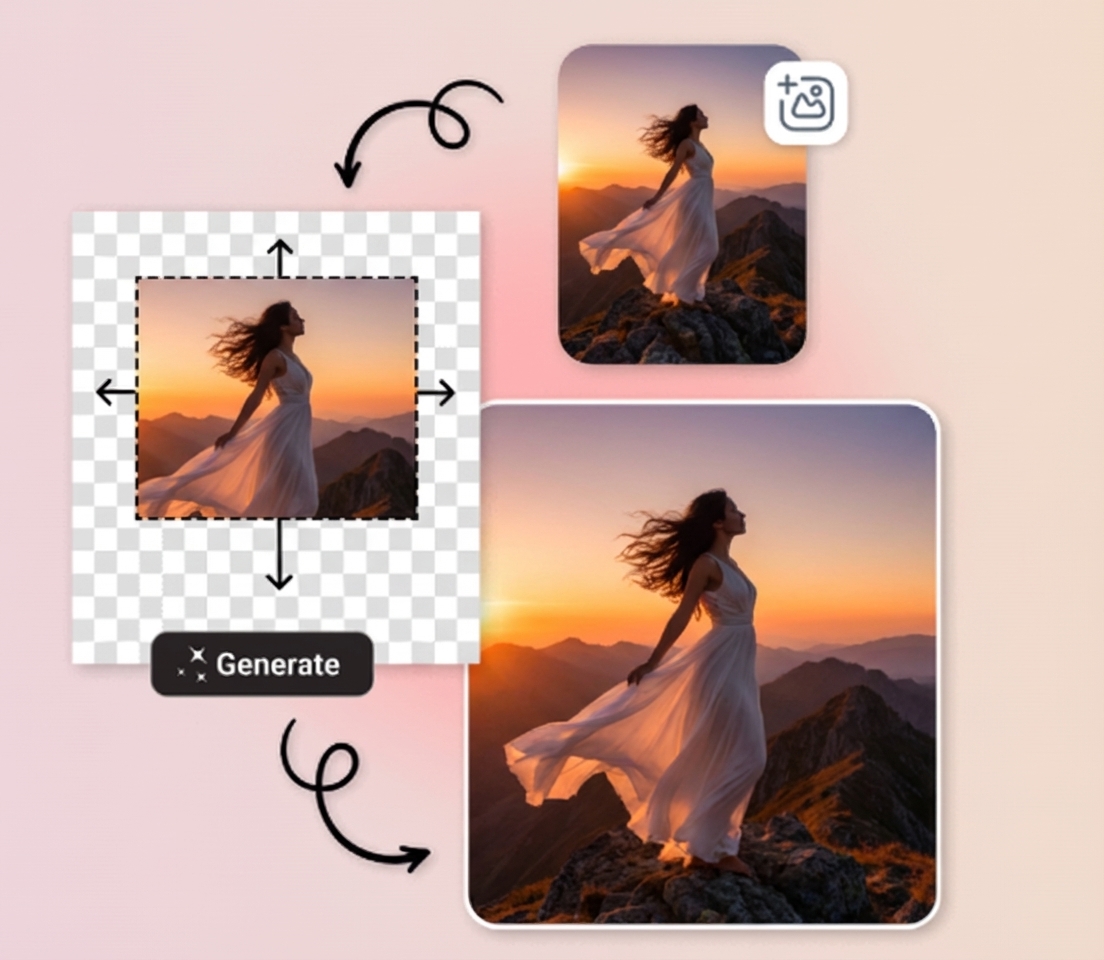
Try the editor to see how the image expansion works in real time. Upload a photo, adjust settings, and watch it grow with high-quality results instantly.
Use It NowExtend natural scenes like mountains, beaches, or forests to create broader, more immersive visuals without losing detail.
Expand product images to create clean layouts for eCommerce, adding extra space for text, branding, or banners.
Add extra space around paintings, illustrations, or digital art so they fit new formats without cropping or losing style.
Adjust framing to fit portrait, square, or widescreen posts, making images ready for any social platform.
Create extended images for memes, banners, or interactive posts by adding extra space and context.
Produce wider or taller designs to fit modern website layouts by extending headers, banners, and backgrounds.
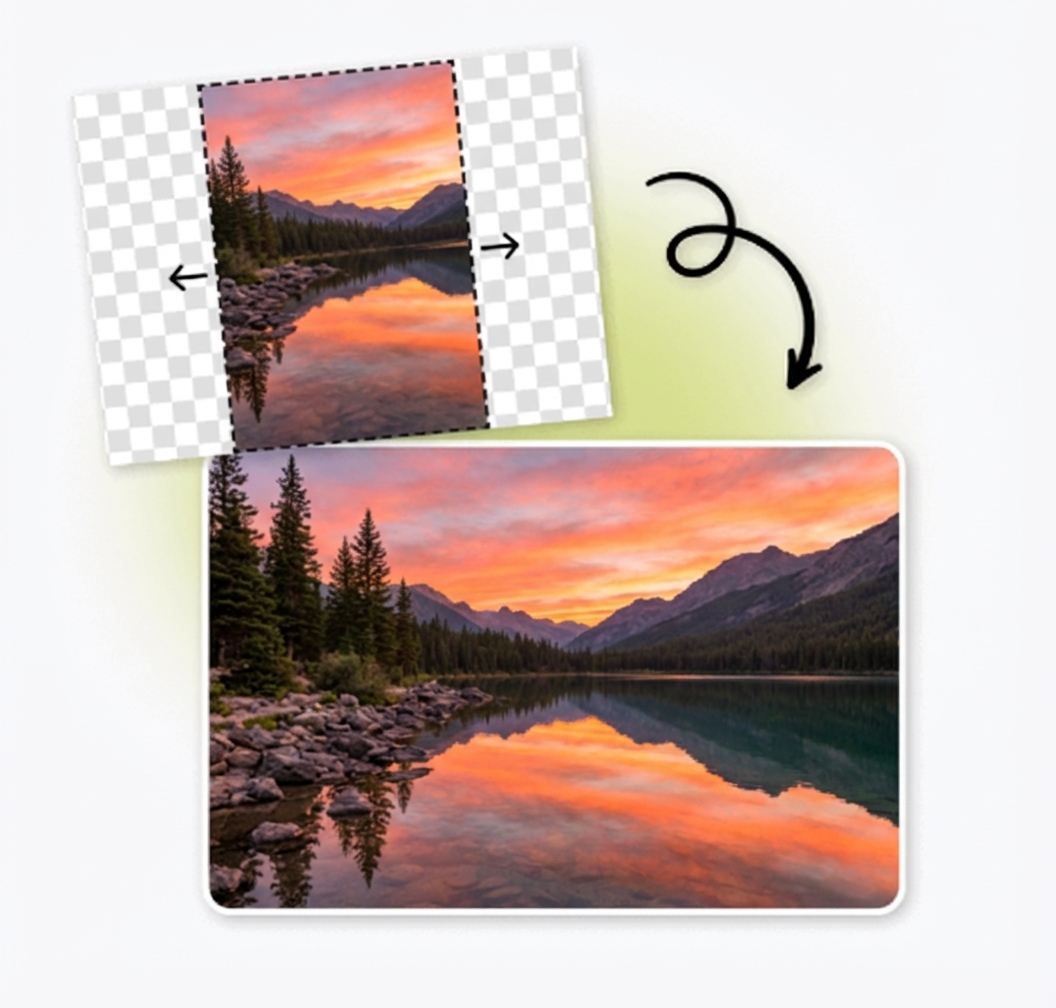
Integrate our API seamlessly with C#, React, Tailwind, Vue, Angular, JavaScript, Python, PHP, Node.js, Swift, and many more. Whether you're building a mobile app, web dashboard, automation script, or enterprise-level tool, our API provides clear documentation and simple endpoints to get you started immediately.
import requests

url = "https://taiapi.aiphotocraft.com/api/ai-image-expander"
headers = {
    "X-source": "web",
    "X-api-key": "YOUR_API_KEY"
}

data = {
    "image": "https://example.com/your-image.jpg",  # Replace with the URL of your input image
    "prompt": "extend the beach to the left and right",  # Optional text guidance
    "expand": {"top": 0, "bottom": 256, "left": 256, "right": 256}
}

response = requests.post(url, headers=headers, json=data)

if response.status_code == 200:
    print("Success! Image expanded.")
    # Handle response
else:
    print(f"Error: {response.status_code}")
print(response.text)Find the perfect pricing plan that matches your project's needs—whether you're an individual creator, a startup, or a large enterprise. Scale easily as your demands grow, with flexible credit options and custom solutions available upon request.
Find Your Perfect Plan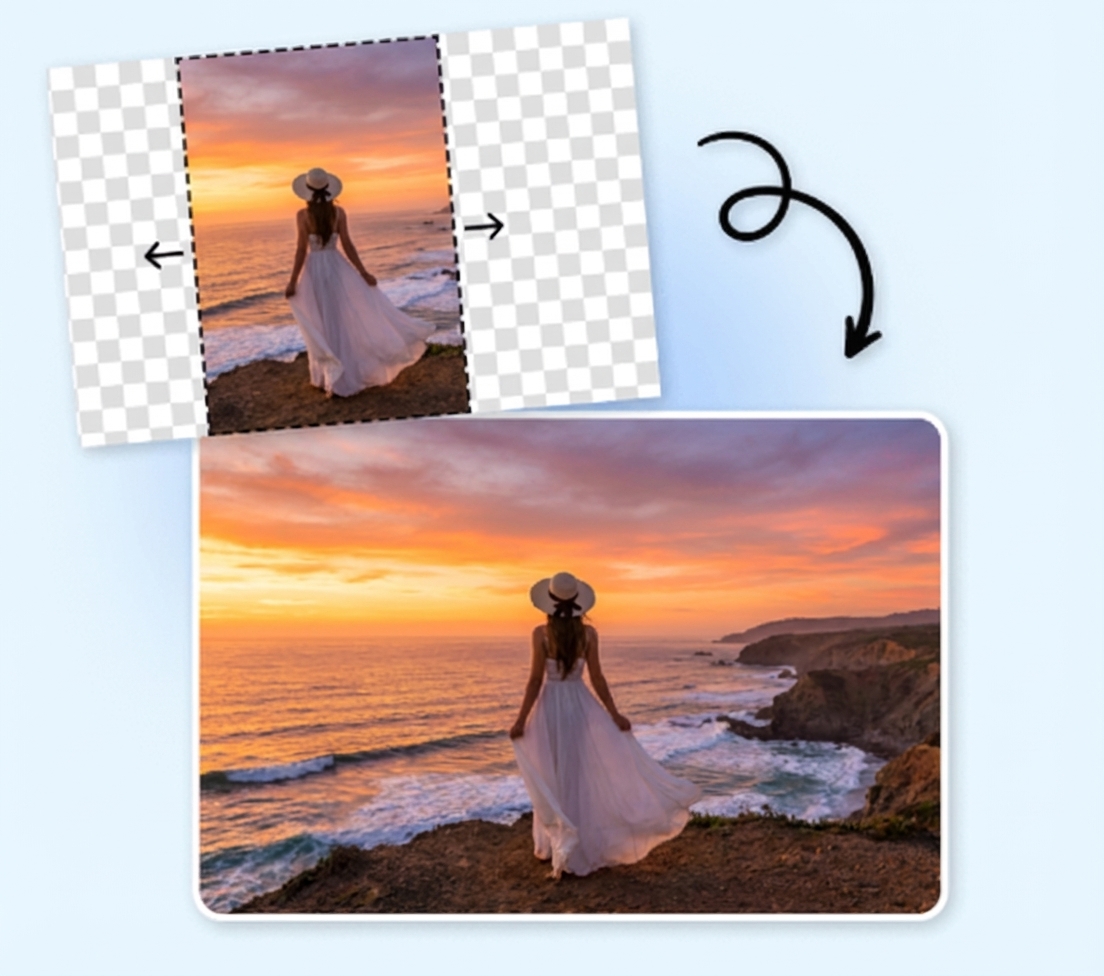
The AI carefully analyzes your existing image and generates new areas that match the original style, lighting, and textures, ensuring there are no harsh edges or mismatched colors.
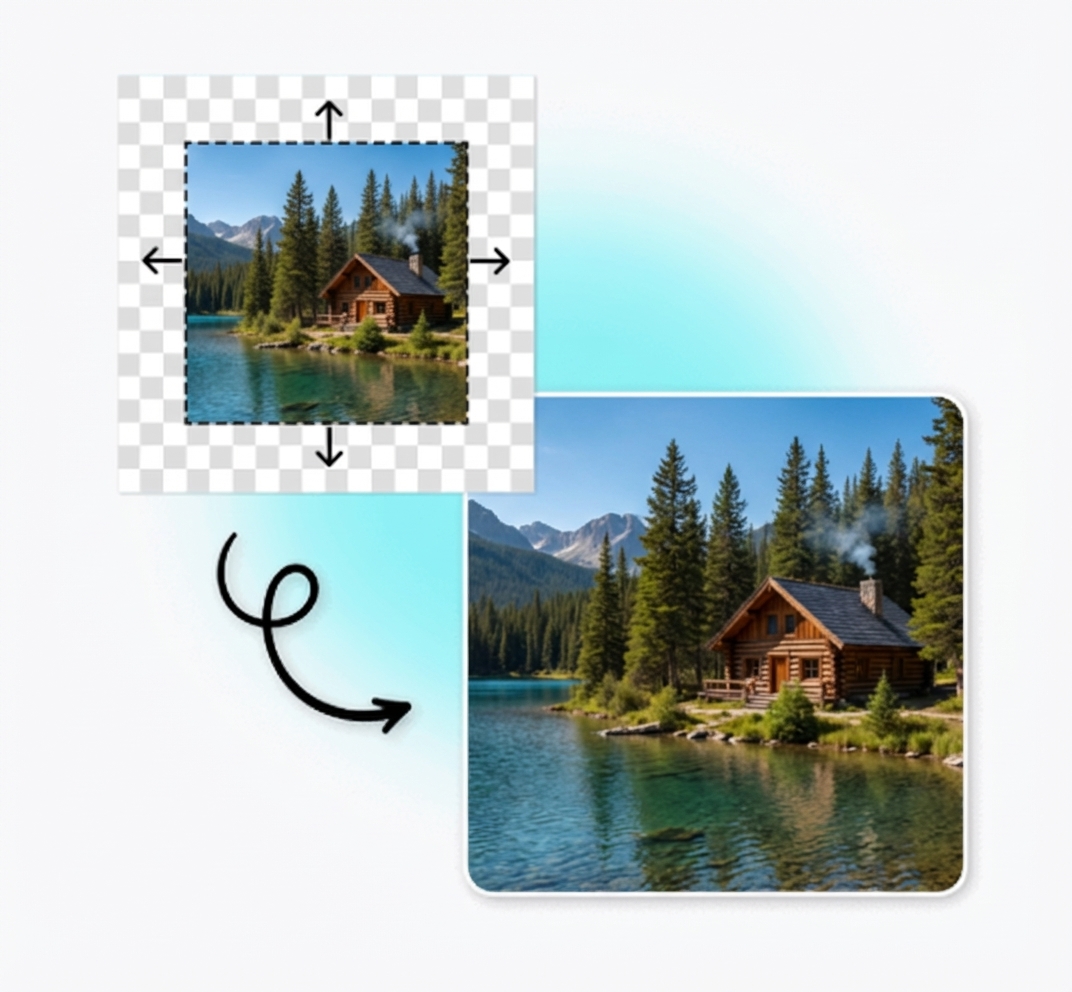
Uncrop or enlarge images in any direction with customizable aspect ratios. The AI reconstructs missing areas while keeping the composition harmonious and clear.
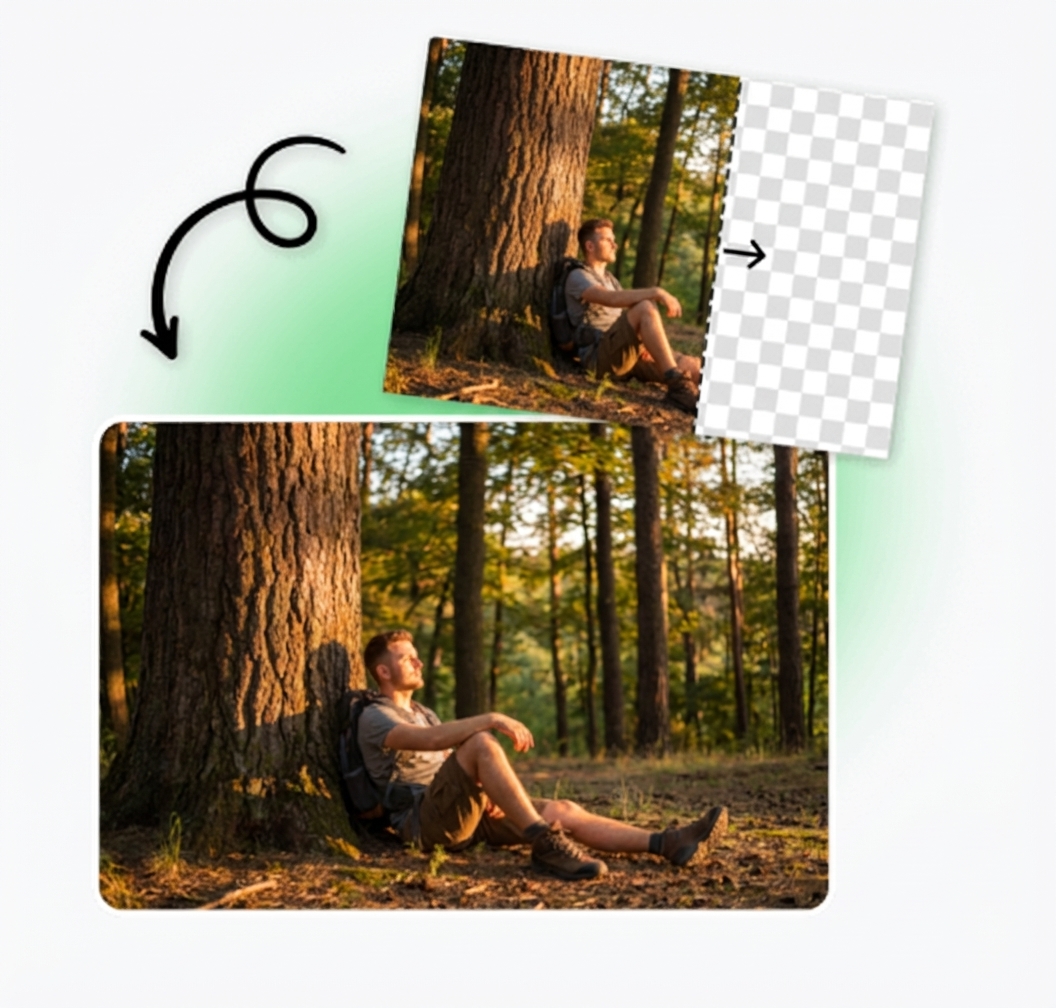
The AI Image Expander API delivers detailed, high-resolution results quickly, maintaining sharpness, structure, and lighting even for large images.
Fast expansion for small and large images alike
High-resolution outputs suitable for commercial use
Accurate textures, lighting, and structure preserved
Start using the API within minutes. Create an account, generate your API key, and get 25 free credits instantly. No credit card required. Test every feature—including background removal, transparency control, and format customization—completely risk free.
Write to us and we'd love to understand your requirements.
Contact Us