The Ai Photo Craft Generative Fill API lets you easily add new objects or replace unwanted ones in your images. Select the area you want to change, describe what to add, and the AI generates realistic content that blends naturally with the rest of the photo.
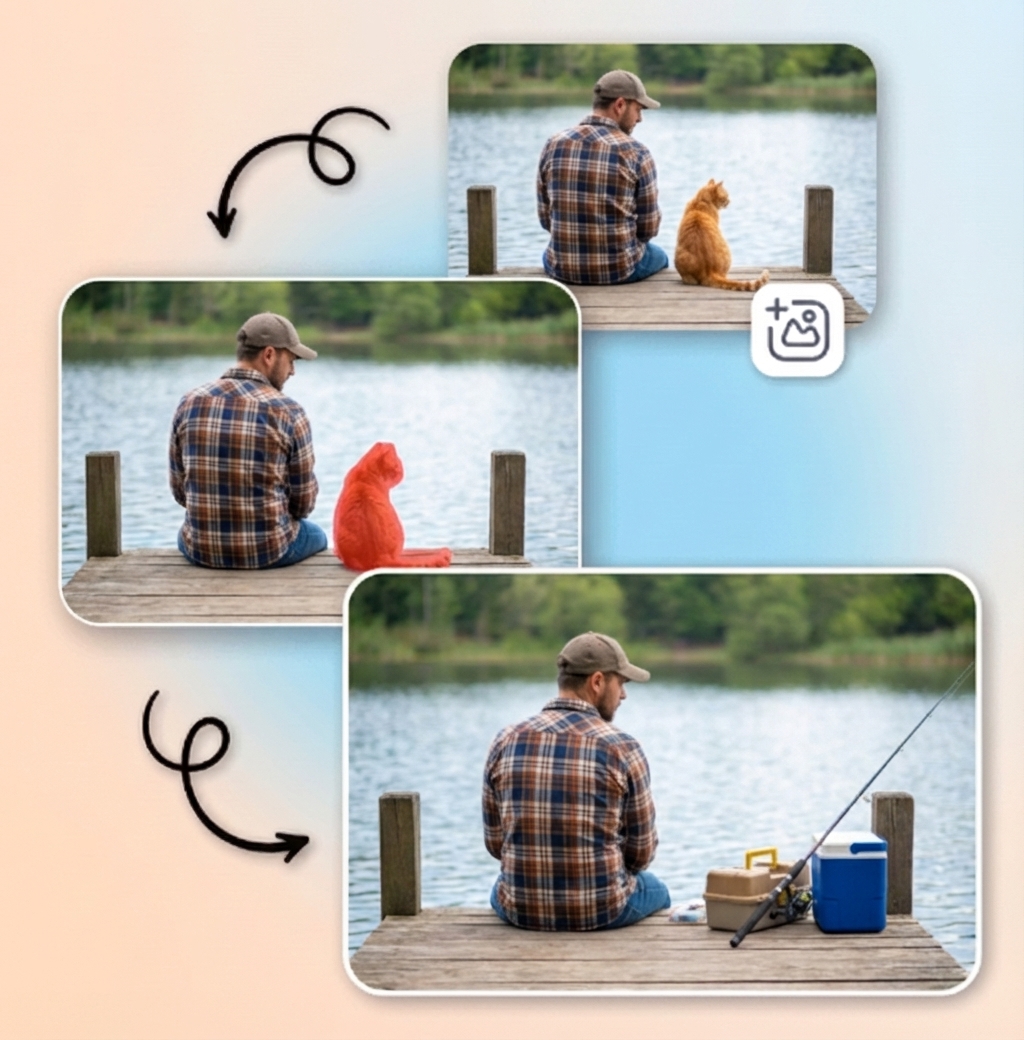
Start editing images with the tool to see how it works. Upload a photo, select the area you want to change, and watch as the AI adds, removes, or replaces objects seamlessly.
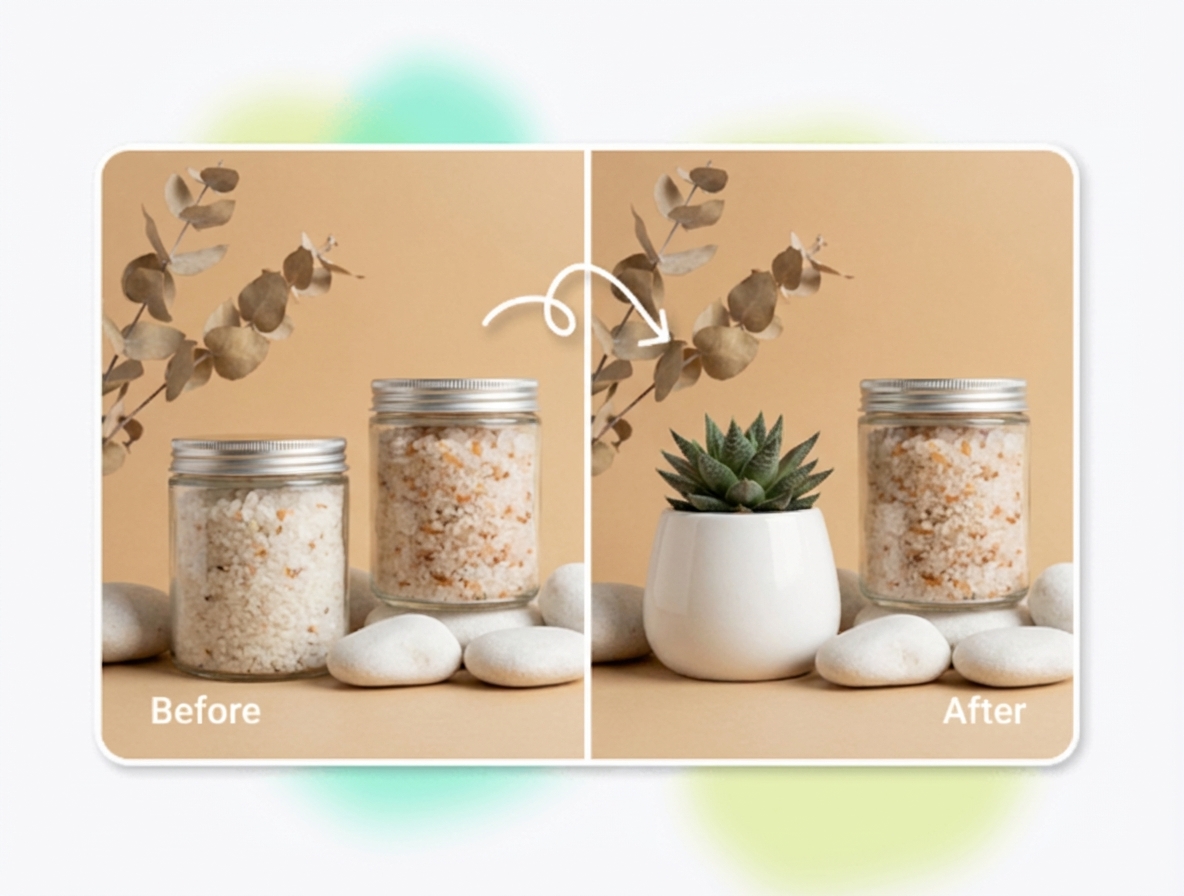
Use It NowAdd ingredients, decorations, or complementary objects digitally—no extra props or setup needed—for attractive, professional product photos.
Redesign rooms virtually by replacing furniture, decor, or wall colors to quickly visualize new styles and layouts.
Enhance selfies, group shots, and travel photos by removing distractions, changing backgrounds, or adding fun elements that stand out in feeds.
Swap objects or people in seconds to create realistic, shareable memes that look like they were captured that way.
Integrate our API seamlessly with C#, React, Tailwind, Vue, Angular, JavaScript, Python, PHP, Node.js, Swift, and many more. Whether you're building a mobile app, web dashboard, automation script, or enterprise-level tool, our API provides clear documentation and simple endpoints to get you started immediately.
import requests

url = "https://taiapi.aiphotocraft.com/api/generative-fill"
headers = {
    "X-source": "web",
    "X-api-key": "YOUR_API_KEY"
}

data = {
    "image": "https://example.com/your-image.jpg",  # Replace with the URL of your input image
    "mask": "https://example.com/mask-image.jpg",  # Mask image indicating area to replace
    "prompt": "beautiful sunset"  # Description of what to generate in the masked area
}

response = requests.post(url, headers=headers, json=data)

if response.status_code == 200:
    print("Success! Image generated.")
    # Handle response
else:
    print(f"Error: {response.status_code}")
print(response.text)Find the perfect pricing plan that matches your project's needs—whether you're an individual creator, a startup, or a large enterprise. Scale easily as your demands grow, with flexible credit options and custom solutions available upon request.
Find Your Perfect Plan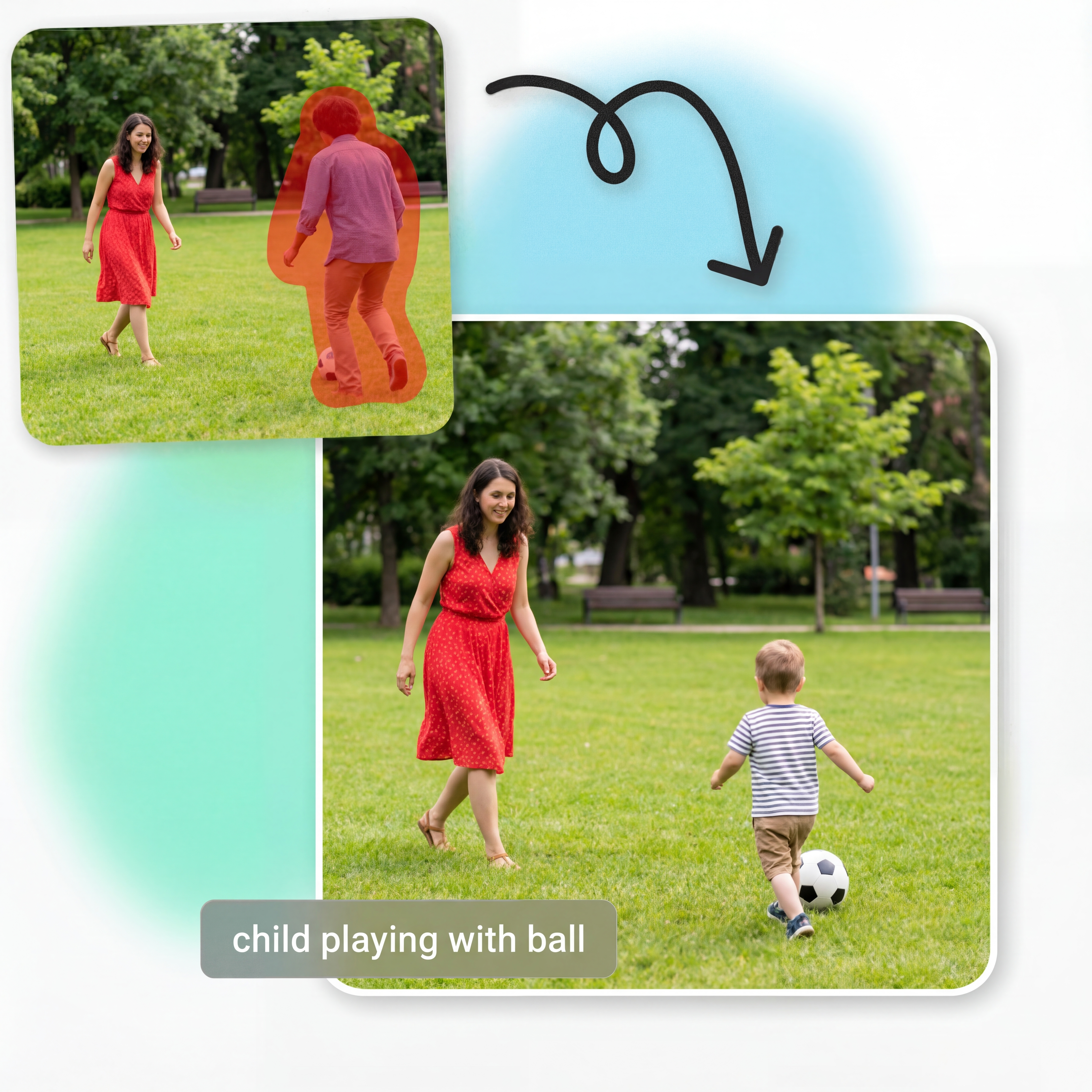
Replace or add objects using simple text prompts. Describe what you want, and the Generative Fill API places it naturally into the scene with correct composition and style.
Add or replace objects by describing them in plain language
Maintain realistic placement, proportion, and perspective
Support for fun, professional, and highly creative edits
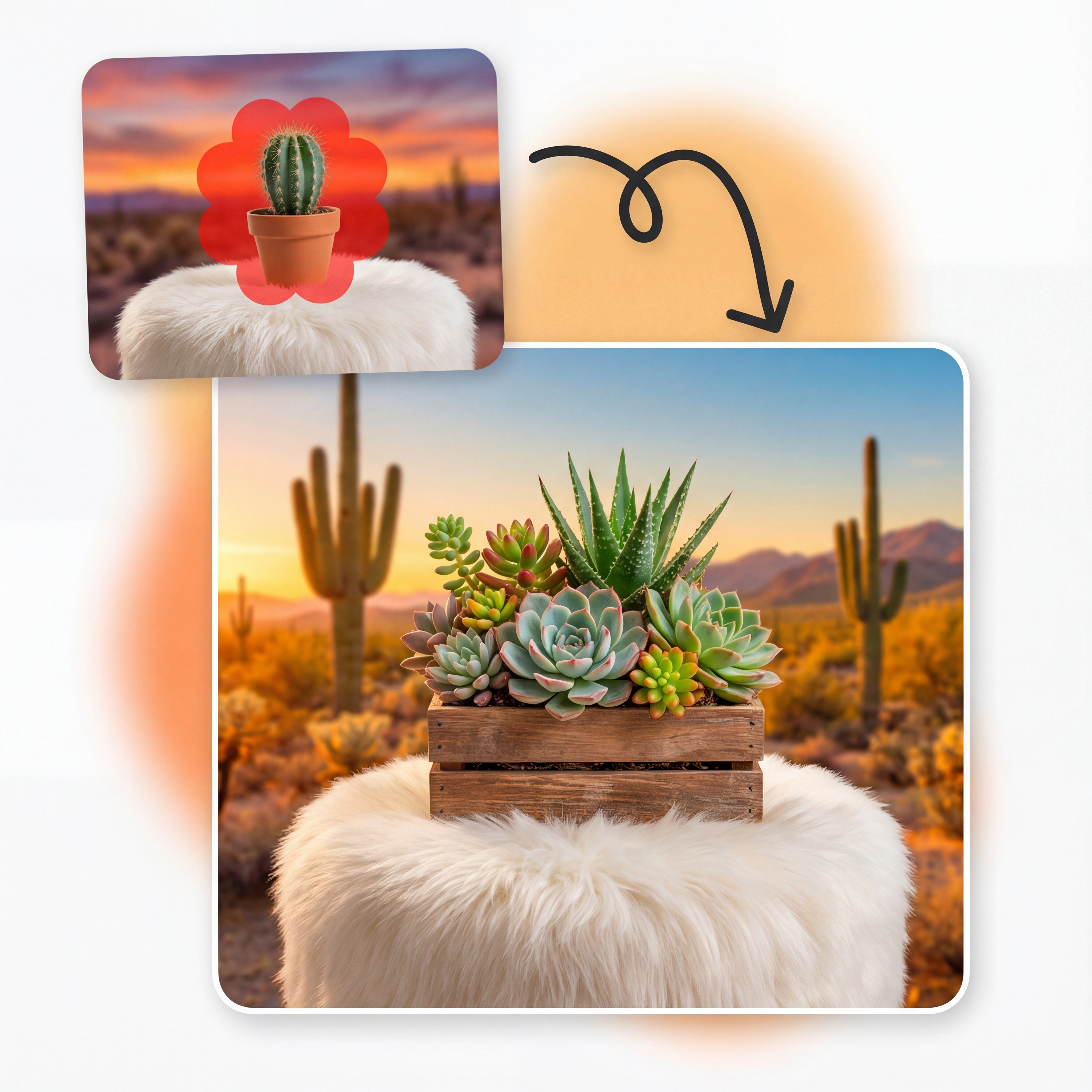
The API analyzes textures, colors, lighting, and edges to ensure new content blends perfectly. Edits look like they were part of the original photo from the start.
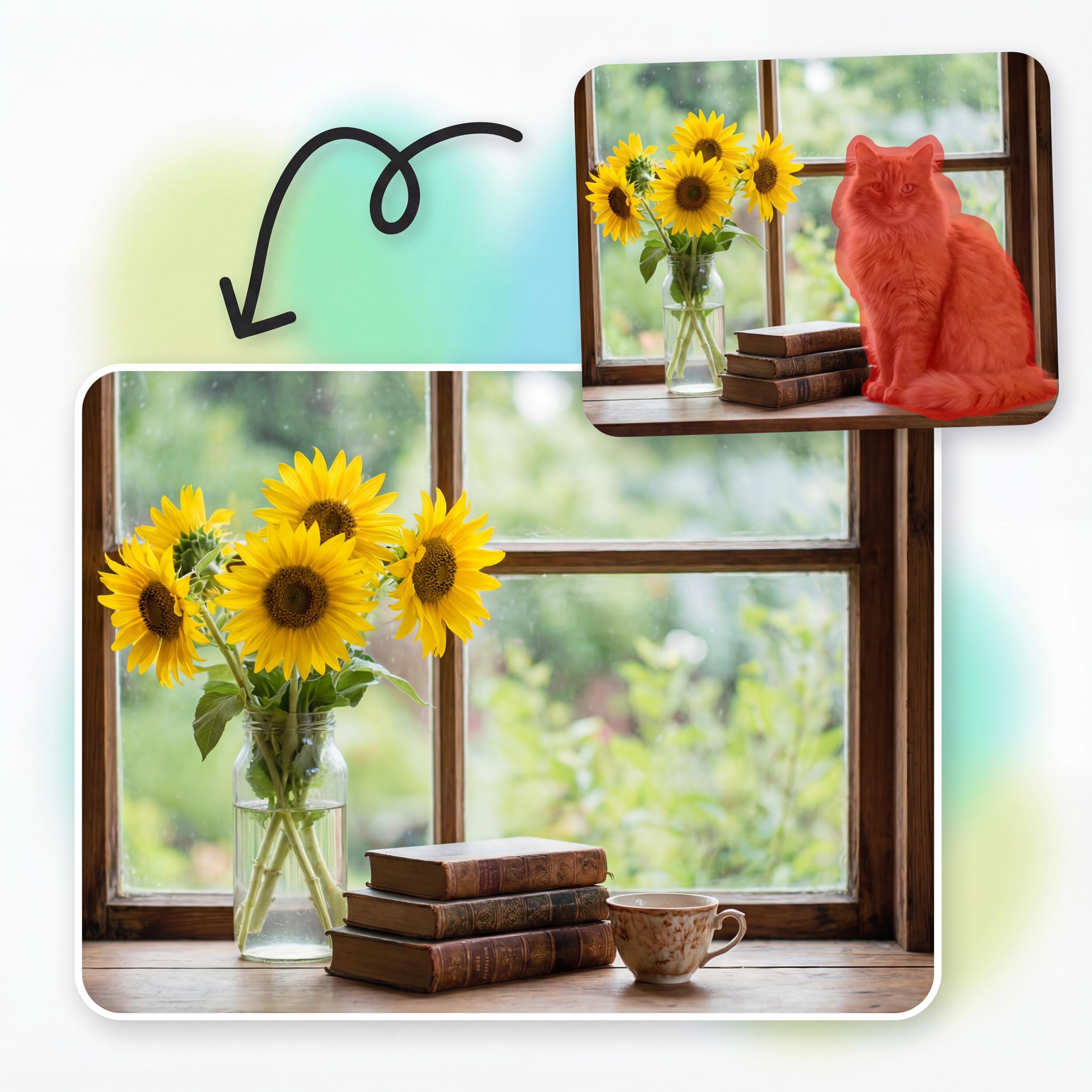
Objects are automatically scaled to match surrounding elements, keeping size and distance consistent. Trees, people, vehicles, and props all look correctly sized in context.
Automatic scaling to match scene depth and perspective
Balanced composition when replacing or adding elements
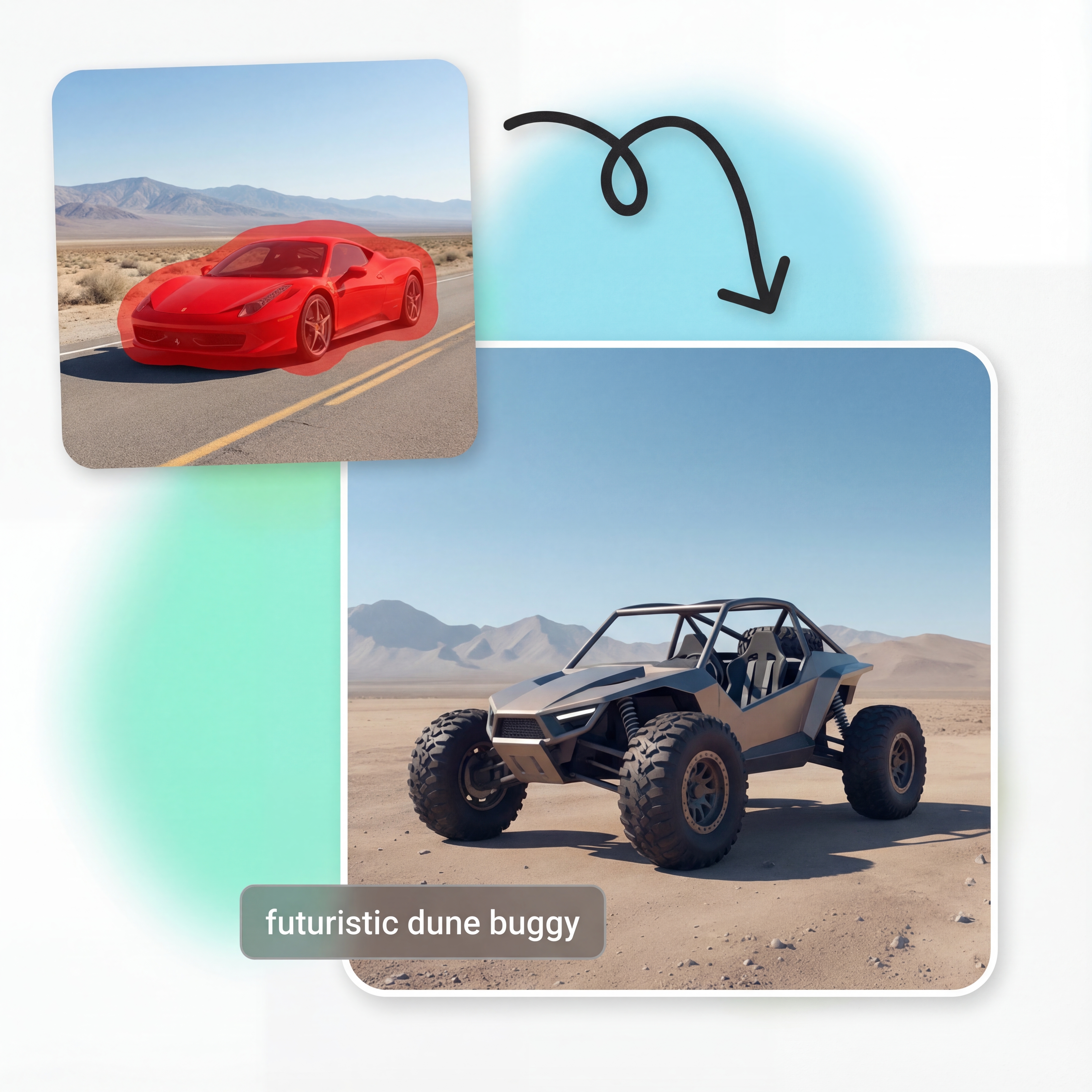
Design scenes exactly how you imagine by swapping existing objects with entirely new ones. From cars and furniture to fantasy elements, the AI keeps everything realistic and proportional.
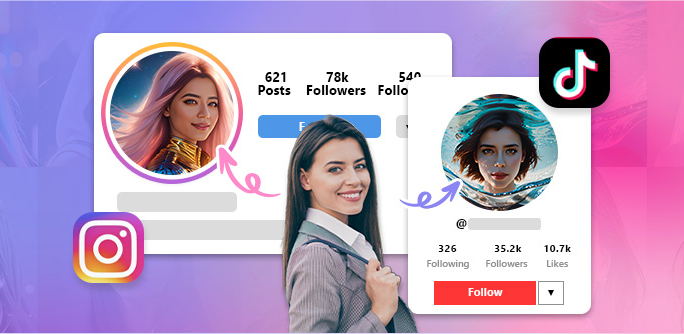
Sign up and receive 25 free credits to try Ai Photo Craft APIs. Experiment with prompts, object edits, and complex compositions before choosing a paid plan.
Start using the API within minutes. Create an account, generate your API key, and get 25 free credits instantly. No credit card required. Test every feature—including background removal, transparency control, and format customization—completely risk free.
Write to us and we'd love to understand your requirements.
Contact Us