How to Enable API Access in AIPhotoCraft (Step-by-Step Guide)
Published: 9 months ago

anish paudel
Content Writer @ AI PhotoCraft
Introduction
AIPhotoCraft is a powerful AI-driven platform that provides advanced image-editing capabilities such as AI face swap, image enhancement, background removal, object removal, retouching, upscaling, avatar creation, and more.
Developers can integrate all these tools directly into their applications using the AIPhotoCraft API.
API access is important because it allows developers to:
- Automate image editing
- Build AI-powered website and app features
- Connect AI photo tools to workflows
- Create custom image processing pipelines
- Develop SaaS products using AIPhotoCraft tools
This guide explains how to enable API access in AIPhotoCraft—with screenshots placeholders—and includes the full list of available APIs.
What is AIPhotoCraft API?
The AIPhotoCraft API is a developer-friendly interface that lets you send image-editing requests programmatically and receive processed images via endpoints.
Meaning of the API
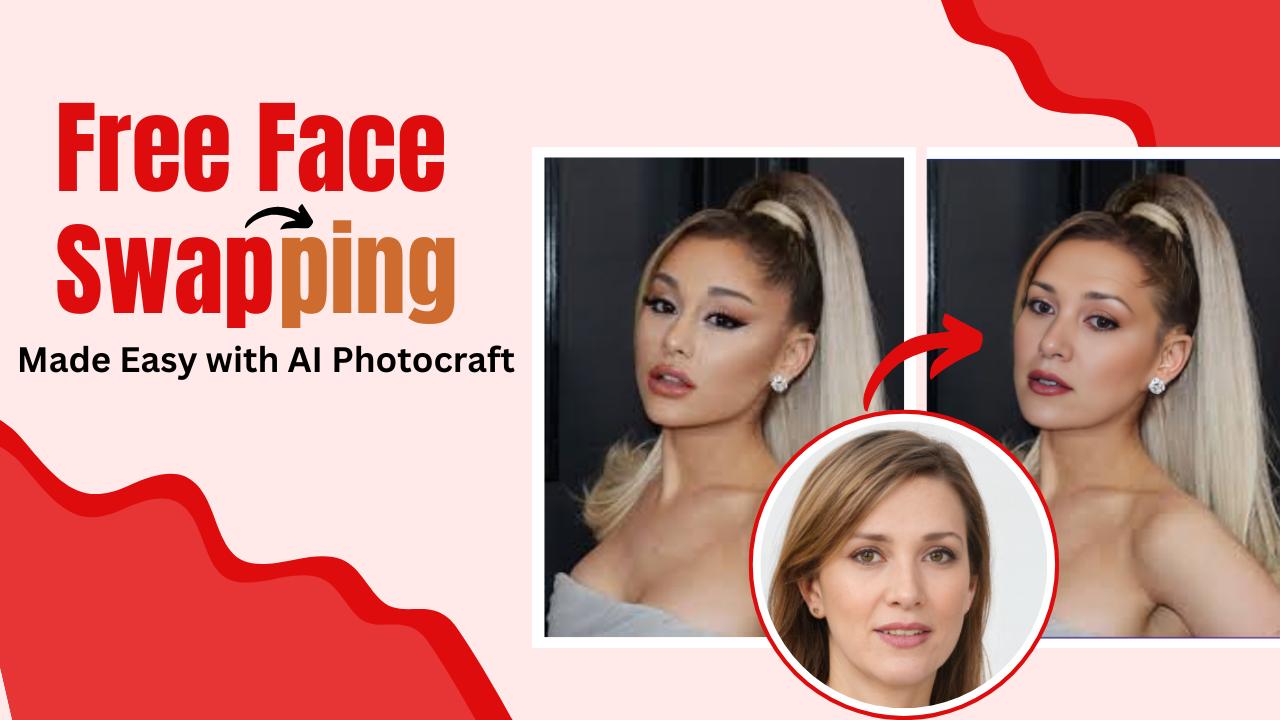
It enables developers to connect their applications with AIPhotoCraft and access tools like face swap, image enhancer, upscaler, Hair Style Change, Virtual Try-on and more…
Key features
- Easy-to-use REST API
- Supports multiple AI image transformations
- Fast processing and response times
- Secure API authentication
- Scalable for small and large projects
Benefits for developers
- Automate repetitive editing tasks
- Integrate AI tools into mobile and web apps
- Create custom workflows
- Save time on manual editing
- Build AI-powered SaaS products
Step-by-Step Guide to Enable API Access
Step 1 — Log In to Your AIPhotoCraft Dashboard
Go to the AIPhotoCraft website and sign in using your account credentials. Once logged in, you’ll be redirected to your main dashboard.

Step 2 — Click on “Generate API Key”
Inside the API section, click the Generate API Key button. AIPhotoCraft will automatically create a unique key for your account.

Step 3 — Copy and Save Your API Key Securely
Once the key appears, copy it and store it in a secure location such as a password manager or environment variable.

Step 4 — Activate API Access
Some accounts may need to explicitly toggle API Access ON. Make sure the status is active.

How to Use Your API Key
Example cURL Request
curl -X POST “https://aiapi.aiphotocraft.com/api/faceswap/basicswap” \
-H “accept: application/json” \
-H “X-Api-Key: YOUR_API_KEY” \
-H “Content-Type: multipart/form-data” \
-F “srcimage=@source.jpg;type=image/jpeg” \
-F “targetimage=@target.jpg;type=image/jpeg” \
-F “enhance=true”
Example JavaScript Fetch Request
const url = “https://aiapi.aiphotocraft.com/api/faceswap/basicswap”;
const formData = new FormData();
formData.append(“srcimage”, sourceFile);
formData.append(“targetimage”, targetFile);
formData.append(“enhance”, “true”);
const response = await fetch(url, {
method: “POST”,
headers: {
“X-Api-Key”: “YOUR_API_KEY”,
“accept”: “application/json”,
},
body: formData,
});
const data = await response.json();
console.log(data);
Understanding API Authentication
AIPhotoCraft uses Bearer token authentication. This means your API key must be included in every request header to verify your identity and grant access to the tools.
Common Issues & Troubleshooting
Invalid API Key
- Key typed incorrectly
- Key expired
- Key deleted or replaced
Solution: Regenerate the key from the dashboard.
API Access Disabled
If your API toggle is off, requests will be rejected.
Solution: Turn on API access in Developer Settings.
Rate Limit Errors
Occurs when you exceed the allowed number of API requests.
Solution: Wait for reset or upgrade your plan.
Missing Permissions
Some endpoints may require higher-tier access.
Solution: Upgrade your subscription or contact support.
Best Practices for API Security
Do Not Share Your API Key
Keep it private and never expose it publicly.
Rotate API Keys Regularly
Regenerate keys every few months for enhanced security.
Use Environment Variables
Avoid hardcoding keys in your code.
Conclusion
In this guide, you learned how to enable API access in AIPhotoCraft using simple steps. Activating API access unlocks advanced automation features, integrates AI tools into your apps, and improves workflow efficiency.
Understanding the API setup is essential for building powerful, AI-driven applications.
FAQs
1.How do I enable API access in AIPhotoCraft?
You can enable API access by logging into the AIPhotoCraft dashboard, navigating to API Settings, and generating an API key.
2. Where can I find my AIPhotoCraft API key?
Your API key is located inside the Developer or API Settings section of your dashboard.
3. Is the AIPhotoCraft API secure?
Yes. It uses Bearer token authentication. Just ensure you never share your API key publicly.
4. Can I use AIPhotoCraft APIs in mobile or web apps?
Yes. The API supports REST requests, making it compatible with mobile apps, websites, SaaS tools, and backend systems.