AI Object Remover: Remove Unwanted Objects from Photos Online
Published: 8 months ago

anish paudel
Content Writer @ AI PhotoCraft
Have you ever taken the perfect photo, only to find an unwanted object photobombing your shot? Maybe it’s a stray tourist in a scenic landscape, a power line cluttering a beautiful sky, or an ex that you want to remove from a cherished memory. With AIPHOTOCraft’s AI Object Remover, you can easily remove unwanted objects from photos online and achieve picture-perfect results in just one click!
What is AI Object Removal?
Understanding the Concept of AI in Photo Editing
AI, or artificial intelligence, is changing how we edit photos. Traditional photo editing can be time-consuming and requires skill. AI technology offers a simpler way. AI photo editors can now analyze images and automatically identify unwanted elements, like a blemish on a face or an object you want to remove from a landscape. This makes photo editing accessible to everyone, regardless of their experience.
How AI Works for Removing Unwanted Objects
The AI object remover uses advanced AI technology to analyze the surrounding area of the unwanted object. When you select an object you want to remove, the AI intelligently fills in the space. It does this by using the colors, textures, and patterns from the nearby pixels to seamlessly replace the unwanted element. This generative AI technology ensures the object removal is smooth and natural-looking, as if the object was never there!
Benefits of Using AI for Object Removal
Using an AI object remover offers several advantages. In particular, it allows you to:
- Remove unwanted objects from your photos, like distracting elements.
- Erase people from photos or even remove watermarks.
AI object removal helps clean up pictures, creating visually appealing images for personal or professional use. If you want to remove objects from your photos online, AI offers a fast, efficient, and user-friendly solution, even if you want to remove backgrounds.
How to Remove Unwanted Objects from Photos
Step-by-Step Guide Using AIPHOTOCraft
Using AIPHOTOCraft’s AI Object Remover is incredibly simple. You don’t need any special photo editing skills to achieve professional-looking results. This guide will walk you through removing unwanted objects from your photos in just a few easy steps. Whether you want to remove text, unwanted objects, or people, AIPHOTOCraft makes it easy and fast to clean up your images.
Uploading Your Photo
Here’s how to begin using AIPHOTOCraft. First, visit its website and find the AI Object Remover tool, where you’ll discover an intuitive interface. Then:
- Click the “Upload Image” button to choose the photo you wish to edit.
- AIPHOTOCraft accepts a range of image formats, making it simple to upload your images.
This simple process allows you to quickly start removing objects with AI.
Selecting and Removing the Object
Once your photo is uploaded, use your mouse or finger (on touch devices) to highlight the unwanted object you want to remove. The AIPHOTOCraft object remover provides a user-friendly selection tool that allows you to accurately select the object you want to erase. After selecting the object, click the “Remove” button. The AI will then process the image and seamlessly remove the object from the photo.
Downloading the Cleaned Photo
After the AI has finished processing, you can preview the cleaned photo. If you’re happy with the results, simply click the “Download” button to save the edited image to your device. The downloaded photo will be free of the unwanted object, giving you a clean and professional-looking image. With AIPHOTOCraft, it’s never been easier to remove any unwanted objects and improve your photos!
Key Features of AIPHOTOCraft Object Remover
Fast and Efficient Results
AIPHOTOCraft’s AI object remover delivers fast and efficient results, saving you time and effort. The advanced AI technology swiftly analyzes your photo and seamlessly removes unwanted elements in seconds. Unlike traditional photo editing methods, you don’t have to spend hours manually editing your images. With the AI object remover, you can effortlessly remove unwanted objects and get clean, professional-looking photos with just one click.
No Editing Skills Required
One of the best features of the AIPHOTOCraft AI object remover is that it requires absolutely no editing skills. You don’t need to be a professional photo editor to achieve amazing results. The intuitive interface and AI-powered technology do all the work for you. Simply upload your photo, select the object you want to remove, and let the AI photo editor do its magic. It’s that easy to remove unwanted objects and get perfect photos every time.
Online Access for Free
AIPHOTOCraft provides online access for free to its AI object remover. You can remove objects from photos online without downloading any software or paying for expensive subscriptions. Simply visit the AIPHOTOCraft website, upload your photo, and start removing unwanted objects. The online accessibility makes it convenient for anyone to clean up pictures quickly and easily. Remove unwanted objects from your photos online anytime, anywhere, completely free of charge.
Common Use Cases for Removing Objects
Travel Photos
Travel photos often capture amazing moments, but sometimes unwanted objects can spoil the shot. The AI object remover is perfect for cleaning up your travel memories. You can remove people, erase unwanted signs, or get rid of distracting elements in the background. Effortlessly remove unwanted objects and create stunning travel photos that truly capture the beauty of your adventures. With the magic eraser, your travel photos can be pristine and perfect.
Product Photos for Better Marketing
If you’re selling products online, clean and professional-looking photos are essential. Use the AI object remover to remove unwanted objects from your product photos and enhance their appeal. Removing unwanted items, cleaning up backgrounds, or erasing distracting elements will make your products stand out. High-quality product photos lead to better marketing and increased sales. Remove any unwanted objects and make your products shine with professional-quality images.
Enhancing Portraits
Portraits capture special moments with loved ones, but sometimes unwanted objects can detract from the focus. The AI object remover is a great tool for enhancing portraits and ensuring the spotlight remains on the subject. You can erase people from photos, remove unwanted blemishes, or clean up the background for a more polished look. Easily remove unwanted objects and create beautiful portraits that you’ll treasure forever. With the AI photo editor, your portraits will always look their best.
Frequently Asked Questions
Is it Free to Use AIPHOTOCraft?
Yes! AIPHOTOCraft’s AI object remover is available online for free. You can easily remove unwanted objects from your photos without any subscription fees. The AI object remover allows you to effortlessly remove unwanted objects and clean up your pictures without spending a dime. You can remove objects from photos online and enjoy the benefits of AI technology completely free of charge, using it as a magic eraser.
Are My Photos Safe?
AIPHOTOCraft prioritizes the safety and privacy of your photos. When you use the AI object remover, your images are processed securely and are not stored long-term. We use advanced AI technology to ensure that your data is protected. You can confidently remove unwanted objects from your photos, knowing that your privacy is respected. It’s easy to remove unwanted objects, and your photos are safe.
Can I Remove People and Other Objects?
Yes, you can! The AI object remover is versatile and can remove people and other objects from photos online. Whether it’s removing unwanted people from a travel photo or getting rid of distracting elements in product photos, the tool is designed to handle various object removal tasks. You can easily remove unwanted objects and achieve clean, professional-looking results with this AI photo editor.
Do I Need Any Skills to Use This Tool?
No special skills are needed to use the AIPHOTOCraft AI object remover. The tool is designed to be user-friendly, with an intuitive interface that anyone can use. You don’t need any photo editing experience to effortlessly remove unwanted objects from your photos. Simply upload your photo, select the object you want to remove, and let the AI photo editor do the rest. It’s that easy to clean up pictures.
Conclusion: Try AIPHOTOCraft AI Object Remover Online
Ready to say goodbye to unwanted objects in your photos? AIPHOTOCraft AI Object Remover makes it easy to remove unwanted elements and clean up your images with just one click. Whether it’s removing unwanted people, erasing distracting objects, or enhancing product photos, our AI technology delivers fast, efficient, and professional results. Remove objects from photos online and experience the magic of AI today!
Start Cleaning Up Your Photos Today
Don’t let unwanted objects ruin your perfect shots. With AIPHOTOCraft, you can easily remove unwanted objects from your photos online and create stunning images that truly shine. Our AI object remover is free, user-friendly, and delivers impressive results every time. Start removing unwanted objects from your photos today and see the difference for yourself. Remove unwanted objects and bring out the best in your photos!
Explore Other Tools Like AI Photo Enhancer and AI Background Remover
AIPHOTOCraft offers a range of AI-powered tools to enhance your photos. For example, you can use tools like:
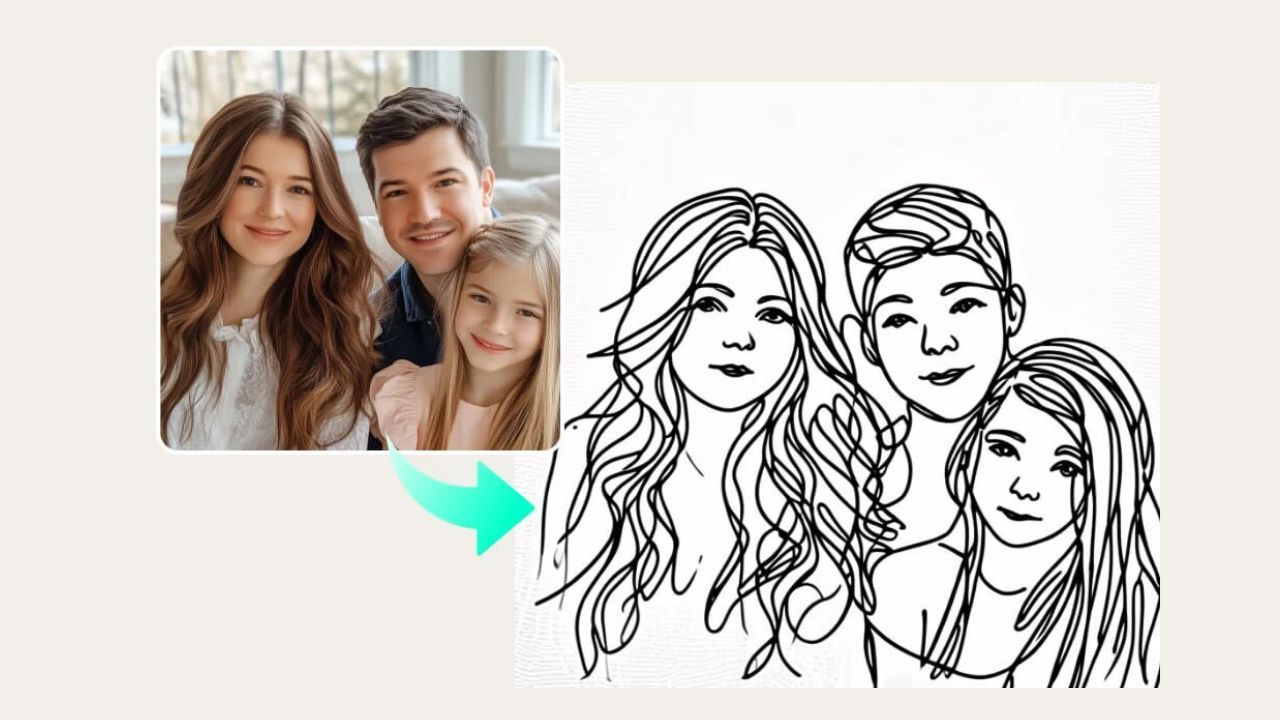
- AI Sketch to Image
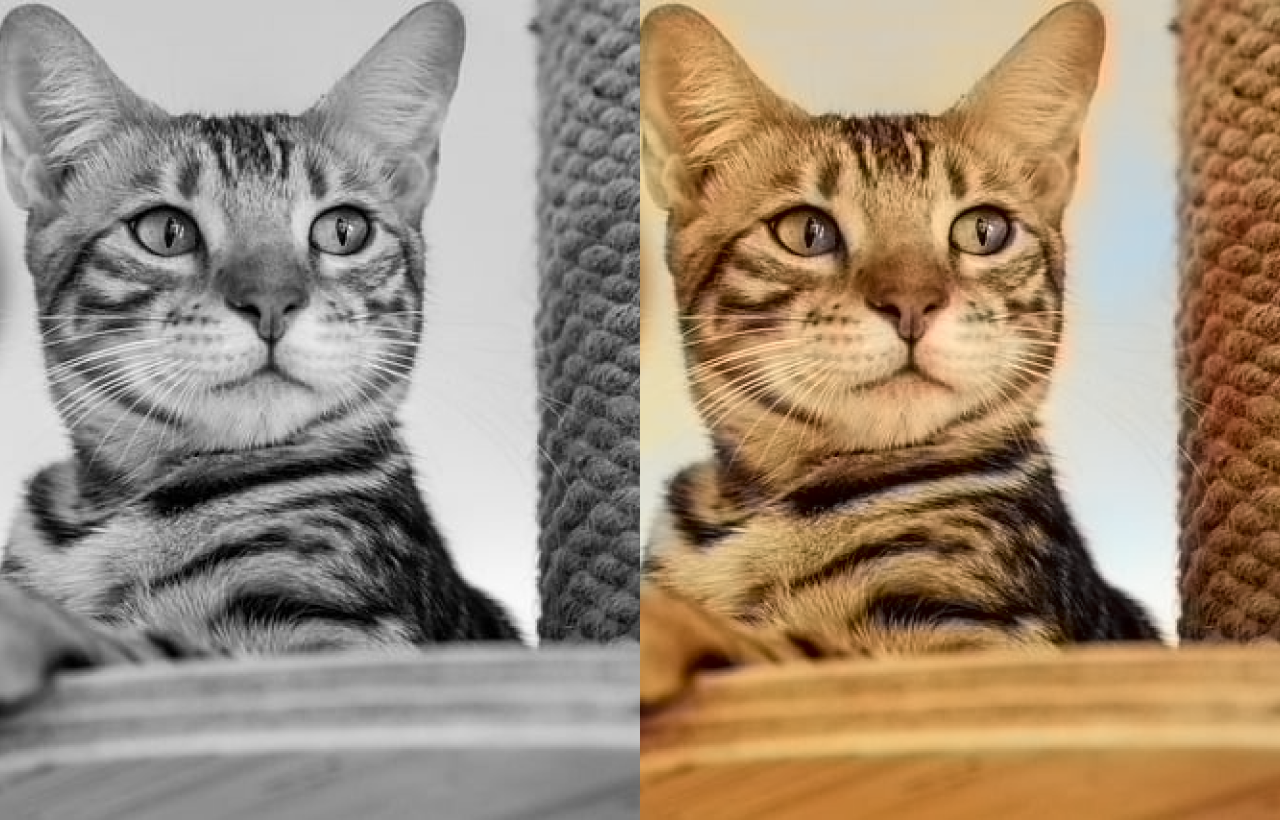
- AI Photo Enhancer to improve image quality and resolution
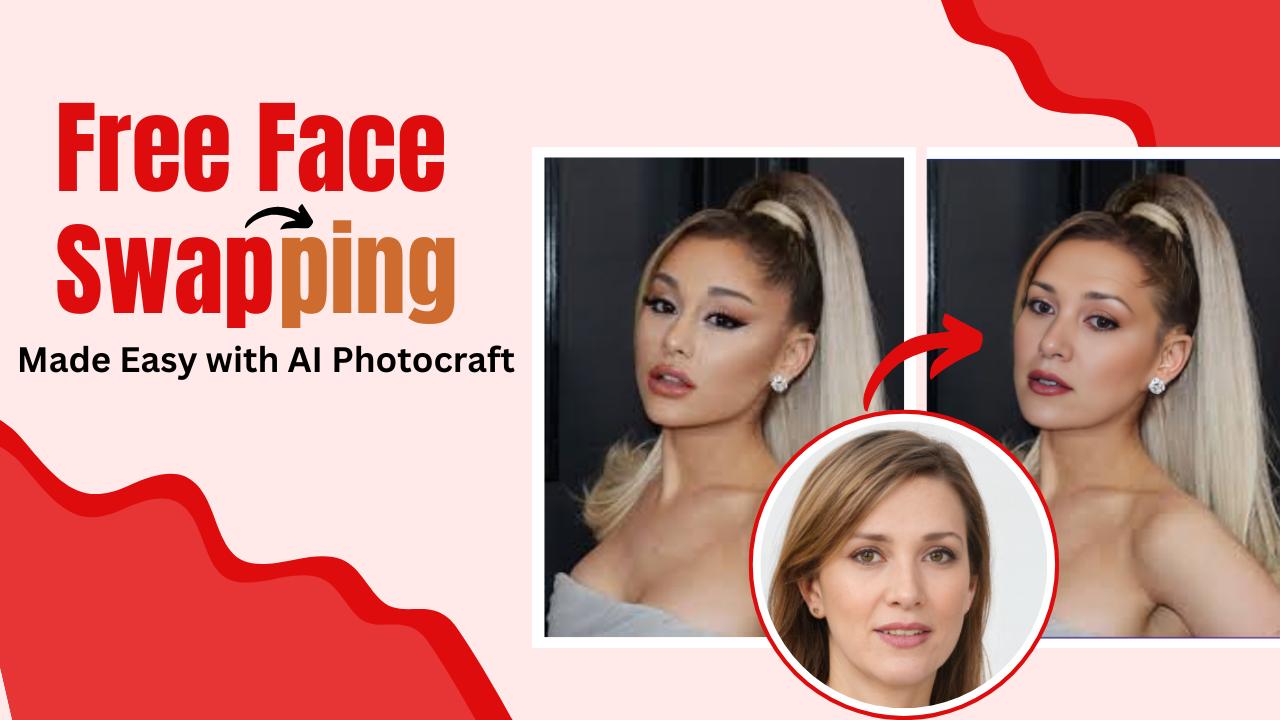
Need to change a background? Our AI Background Remover can help you easily remove backgrounds from photos. Explore our suite of tools and effortlessly remove unwanted objects, swap faces, enhance colors, and create stunning visuals with AI.