AI Sketch to Image Generator: Generate AI Images from Sketch
Published: 8 months ago

anish paudel
Content Writer @ AI PhotoCraft
Unleash your inner artist with the power of AI! Our AI Sketch to Image Generator lets you transform simple sketches into stunning, realistic images. It’s an easy-to-use AI tool that brings your creative ideas to life with just a few strokes.
Introduction to AI Sketch to Image Generators
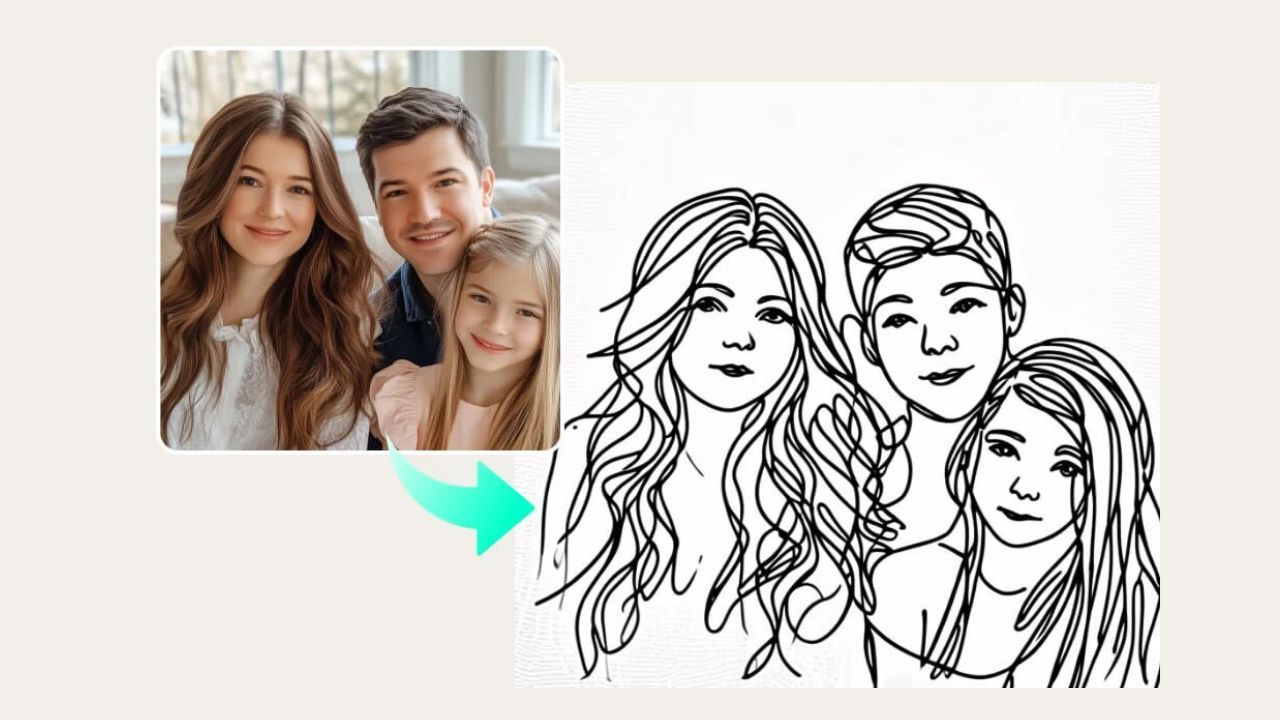
An AI Sketch to Image Generator is an innovative tool that uses artificial intelligence to convert your quick sketch into a polished image. It’s like having a digital artist at your fingertips, ready to transform your rough drawings into professional-looking digital art, explore new styles, and realize your artistic vision.
How Does the AI Image Generator Work?
The AI image generator works by interpreting your input sketch and using AI models to render a photorealistic image. You upload your sketch, and the AI analyzes the line art and texture. Then, using advanced algorithms, it generates an image based on your sketch and any additional text prompts you provide. This creative process is simple yet powerful.
Benefits of Using AI Image Generators
Here are some compelling advantages to using an AI sketch to image generator. It notably provides:
- A boost to your creativity, allowing experimentation with diverse styles and concepts.
- Time savings, rapidly converting sketches into high-quality images.
Furthermore, its ease of use makes it accessible to both beginners and professionals alike, especially those seeking the best AI tools.
Getting Started with AI Sketch to Image Tools
Step-by-Step Guide to Generate AI Images from Sketch
To generate AI images from a sketch, several steps are involved. It typically starts with:
- Uploading your sketch to the AI sketch to image app or platform.
- Adding a text prompt to further refine the image.
- Exploring different customization options and styles.
- Rendering the image and polishing it using the image editor.
Enjoy your AI-generated images!
Choosing the Best AI Sketch to Image Generator
Choosing the best AI sketch to image generator depends on your specific needs. When selecting a suitable tool, consider these key aspects:
- Intuitive interfaces that make the creation process straightforward.
- A range of customization options, allowing you to personalize your generated images.
- High-quality output, ensuring your final images are detailed and visually appealing.
Also, take into account factors like pricing, free trial availability, and the ability to fine-tune your AI art. Some top AI options include Firefly and other generative AI platforms.
Customization Options for Your Sketch
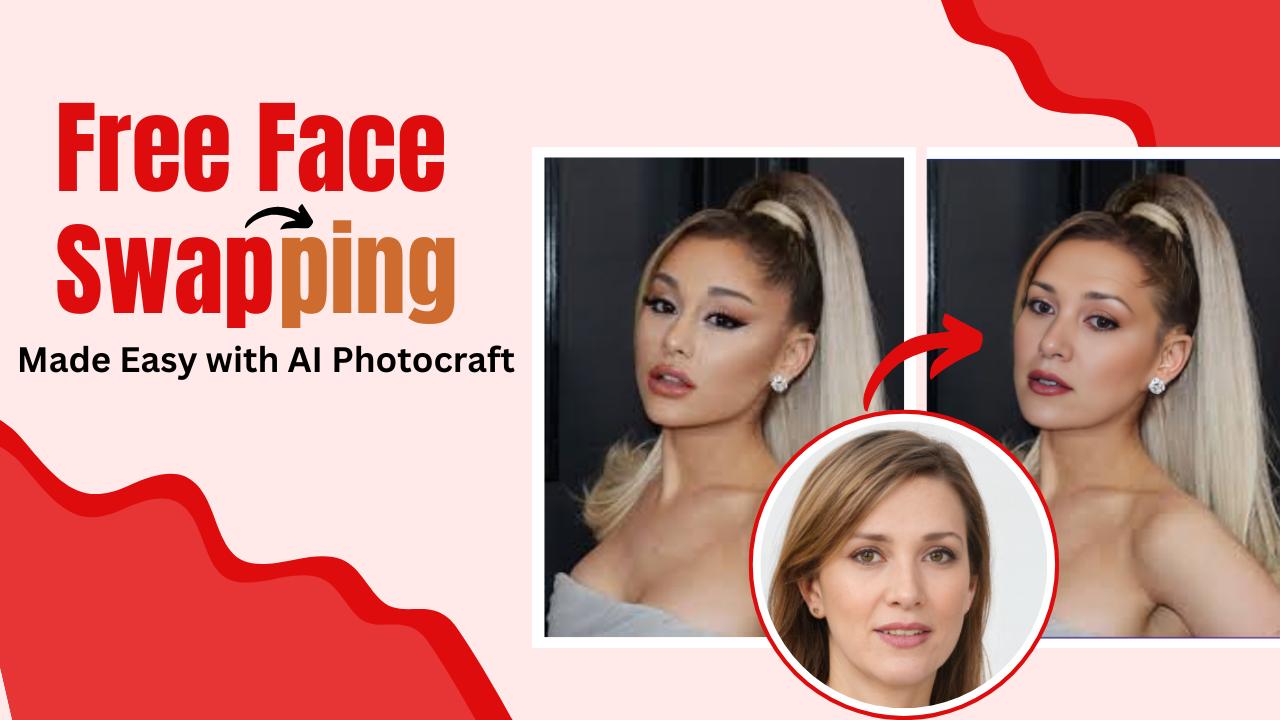
Customization is key to getting the perfect AI-generated image. Many AI tools offer options to adjust the style, texture, and color of the final image. You can add or refine text prompts, swap faces, and integrate your sketch with other images using image to image features. This allows you to maintain control over the creative process and match your specific preference.
Exploring the Features of AI Image Generators
Artistic Styles and Effects
The best AI image generators offer a diverse range of artistic styles and effects to enhance your AI art. You can experiment with styles ranging from photorealistic renders to impressionistic illustrations. Adjusting these settings allows you to transform your sketch into a piece that reflects your artistic vision and refine the overall aesthetic. You can explore different styles, morph elements, and bring your ideas to life.
Integrating Graphic Design Elements
Integrating graphic design elements with AI image generators can elevate your visuals to a new level. With tools like Firefly’s AI generator, you can seamlessly integrate text, icons, and other graphic elements into your AI-generated images. This feature is invaluable for creating marketing materials, social media content, and professional artwork. This transforms your sketch into stunning digital art.
Controlling Output: From Sketch to Realistic Images
Having control over the output is essential when using an AI sketch to image generator. The best AI tools provide options to fine-tune the details of the AI image, ensuring the final result aligns with your concept. With generative AI, you can adjust color palettes, lighting, and textures to achieve a realistic or stylized look and maintain control over the creative process. This empowers you to transform your sketch with precision and preference.
Use Cases for AI Sketch to Image Generators
Boosting Creativity in Digital Art
AI sketch to image generators are powerful AI tools for boosting creativity in digital art. By quickly converting rough drawings into polished visuals, artists can explore new concepts and artistic styles without the constraints of time-consuming manual rendering. This allows you to focus on the creative process, refine your ideas, and push the boundaries of your artistic expression, using the intuitive features to generate unique AI art.
Time-Saving for Graphic Designers
For graphic designers, an AI sketch to image generator can be a significant time-saver. Instead of spending hours creating detailed illustrations from scratch, designers can use AI to generate photorealistic images from simple sketches. This allows them to focus on the layout, typography, and other design elements, ultimately speeding up the creative process and allowing them to meet deadlines efficiently. Best AI tools like Adobe Illustrator offer integration for a smooth workflow.
Transforming Concepts into Visuals
AI sketch to image generators excel at transforming abstract concepts into tangible visuals. Whether you’re brainstorming ideas for a new product, visualizing a scene from a story, or simply exploring creative possibilities, these AI tools can help you quickly bring your ideas to life. Upload your quick sketch, add a detailed text prompt, and let the AI model generate a range of images that capture the essence of your concept. This is a powerful way to communicate and refine your vision.
Related AI Photo Craft Tools
AI Background Remover
AI Photo Craft offers an AI Background Remover, which perfectly complements the AI sketch to image generator. After you generate AI images from sketch, you can use the background remover to isolate the subject, create transparent backgrounds, or replace backgrounds to enhance the visual appeal of your AI art. This provides an added layer of customization and polish to your AI-generated images.
AI Photo Enhancer
The AI Photo Enhancer is another excellent tool to integrate with the AI sketch to image workflow. Once you generate AI images from sketch, you can use the photo enhancer to refine image details, boost resolution, and correct any imperfections. This is especially useful for ensuring your AI art looks professional and polished, taking full advantage of the best AI has to offer.
Integrating Various AI Tools for Better Results
For best results, explore integrating multiple AI tools from AI Photo Craft. After you generate AI images from sketch, consider using the AI Background Remover to isolate your subject, then apply the AI Photo Enhancer to refine the image quality. Experiment with different combinations of AI tools to explore new possibilities and achieve stunning visual results. You can convert simple sketches into stunning, realistic outputs through a seamless workflow.
Frequently Asked Questions
What is an AI Sketch to Image Generator?
An AI sketch to image generator is an AI-powered tool that uses artificial intelligence to convert your rough sketch into a photorealistic image. It takes your input sketch and interprets the line art and texture, using AI models to render a high-quality visual based on your drawing. This innovative tool is easy to use and allows you to quickly generate AI images from sketch, making it accessible to both beginners and professionals.
How accurate are AI-generated images from sketches?
The accuracy of AI-generated images from sketches can vary, but the best AI tools provide remarkable results. Factors influencing accuracy include the quality of your sketch, the clarity of your text prompt, and the AI model’s capabilities. Top AI image generators, like Firefly, offer customization options that allow you to fine-tune the output, ensuring the final AI art aligns with your artistic vision. Experiment with different styles and prompts to achieve the most accurate and realistic images.
Can beginners use AI sketch-to-image tools easily?
Yes, beginners can easily use AI sketch-to-image tools. Most AI sketch to image apps are designed with an intuitive interface, making the process simple and straightforward. You can upload your quick sketch, add a text prompt, and let the AI generator do the rest. Many tools offer customization options and image editor features to polish your AI-generated images. Even without prior experience, you can transform your sketch into stunning digital art.